
Table of Contents
ToggleIn the traditional B2C (Business-to-Consumer) model, the shopping experience is individualistic. A single user browses, a single user buys, and a single user pays. However, in the B2B (Business-to-Business) world, the “customer” is rarely an individual. It is an organization—a complex entity comprised of departments, managers, purchasers, and accounting specialists.
For Magento 2 merchants aiming to capture the lucrative B2B market, the standard customer account structure is often a significant roadblock. Without the ability to mirror a business’s internal hierarchy, B2B buyers are forced into risky practices like sharing login credentials or manually coordinating orders via email outside of the platform.
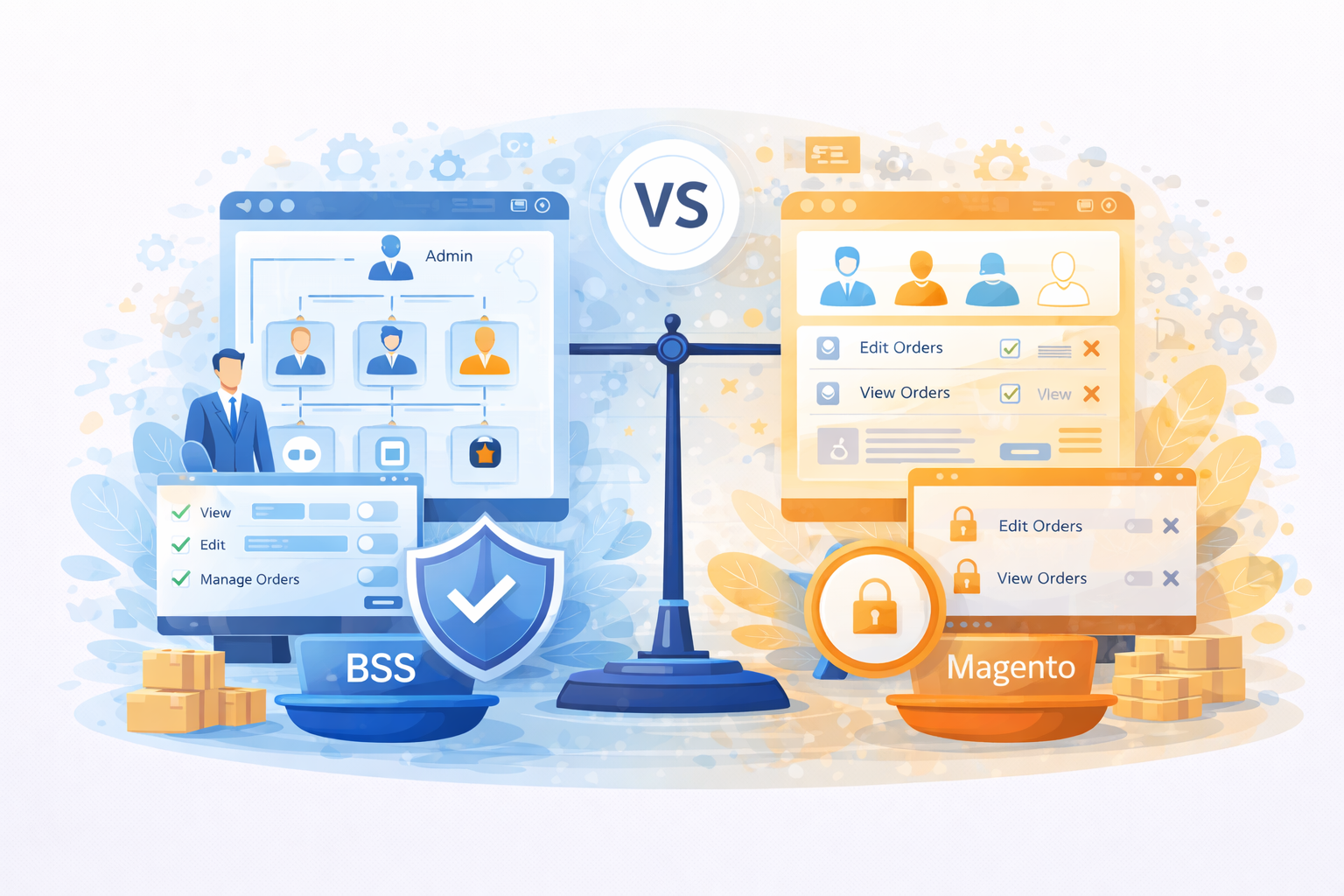
The BSS Magento 2 Company Account extension addresses this gap by transforming the standard Magento account into a sophisticated corporate portal. Central to this transformation is the implementation of Role-Based Access Control (RBAC), which allows businesses to operate on your store exactly as they do in their physical offices.
The BSS Magento 2 Company Account extension is a specialized B2B tool designed to bring enterprise-level account management to the Open Source and Commerce versions of Magento. At its core, it enables a single “Company” entity to house an unlimited number of sub-users, all operating under one corporate umbrella.
While Magento 2 Open Source is built for individual retail, this extension introduces the “Company Account” concept. This means that instead of a company having five different accounts with five different credit limits and order histories, they have one unified account. Within that account, the business can establish a hierarchy that defines who has the authority to spend, who has the authority to view, and who has the authority to manage the team.
This extension essentially bridges the gap between Magento Open Source and the high-cost Adobe Commerce B2B suite, providing merchants with the essential tools needed to handle professional procurement workflows.
The power of the BSS Company Account extension lies in its ability to segment authority. In B2B commerce, “permission” is the currency of trust. Here is how the extension builds that structure:
The extension establishes a clear “Parent-Child” relationship between the main company account and its employees.
This hierarchy ensures that the merchant sees the company as one loyal client, while the company itself enjoys a personalized workspace for its staff.
Not every employee in a business should have the same level of access. A junior buyer might need to build a cart, but a finance manager needs to review the budget before the order is finalized. The BSS extension allows the Company Admin to create specific “Roles.”
Each role is a set of permissions that determines what a sub-user can see or do on the storefront. Common permissions include:
By grouping these permissions into roles (e.g., “Purchasing Manager,” “Junior Staff,” “Accounting”), the company admin can quickly onboard new employees by simply assigning them a pre-defined role.
In a B2B environment, permissions are not just a technical feature; they are a business requirement. Here is why implementing role-based access is critical for any serious B2B merchant.
Security in B2B commerce is often compromised by “account sharing.” When a company has only one login for five employees, the risk of unauthorized purchases or data leaks increases exponentially.
Role-based permissions solve this by:
B2B purchasing is rarely a solo activity. It often involves a collaborative workflow. For instance, a technician might identify the parts needed and add them to a cart, while a procurement officer performs the final checkout.
The BSS Company Account extension facilitates this by:
B2B buyers are looking for efficiency. They want a platform that respects their internal policies. If a merchant’s website makes it difficult for a buyer to follow their company’s rules (such as requiring manager approval), that buyer will find a different supplier.
By offering role-based permissions, you provide an “enterprise-grade” experience:
Understanding the technical flow of the BSS Company Account extension helps merchants visualize how it integrates into their daily operations.
This workflow depends on how the BSS Commerce Magento 2 B2B extension is configured in the admin panel.
Benefit | Why It Matters |
Granular Control Over User Actions | Restricts sensitive operations (like using company credit) to authorized roles only. |
Team-Based Commerce Workflows | Mirrors the actual organizational structure of your clients, making you easier to work with. |
Secure Multi-User Access | Eliminates the security risks of password sharing and creates a clear audit trail. |
Order Approval and Oversight | Supports the complex purchasing processes required by enterprise-level clients. |
Enhanced Collaboration | Allows different departments to contribute to the procurement process within a single environment. |
In the competitive landscape of B2B e-commerce, features like role-based permissions are no longer “nice-to-haves”—they are the baseline for entry into the mid-market and enterprise sectors.
By implementing the BSS Magento 2 Company Account extension, you are not just adding a plugin; you are shifting your business model. You move from being a “vendor” that sells to individuals to being a “partner” that integrates with your clients’ business processes.
This level of integration leads to higher customer retention. Once a company has set up its entire organizational hierarchy, assigned roles to fifty employees, and integrated its internal approval workflows with your platform, the “cost of switching” to a competitor becomes very high. You become an essential part of their daily operational infrastructure.
The BSS Magento 2 Company Account extension is a vital tool for any merchant serious about B2B. By enabling multiple users under a shared account, creating custom roles with specific permission sets, and providing a structured internal access control system, it transforms Magento into a high-performance B2B engine.
Whether you are looking to attract larger corporate clients or simply want to provide your existing business customers with a more secure and efficient way to shop, role-based permissions are the key. They provide the control, security, and scalability that modern B2B commerce demands.

© 2025 MagentoExtension.com