
Using the BSS Commerce SEO Extension Suite can significantly improve your Magento store’s visibility, but improper configuration often leads to SEO issues that harm performance. This guide highlights the most common mistakes businesses encounter—such as canonical misconfigurations, missing hreflang tags, sitemap errors, and incomplete structured data—and explains how to resolve them effectively. Mastering these settings ensures your SEO foundation remains strong and optimized for search engines.
The BSS Commerce Magento 2 SEO extension is a powerful tool for optimizing your e-commerce store, but incorrect configuration can lead to common SEO pitfalls. This guide addresses frequent issues and provides actionable steps to fix them.
What the problem is and why it happens
Store owners often apply meta title and description templates too broadly — using a global template for all products, categories, and pages — because they misunderstand how template automation works versus manual optimization. The BSSCommerce SEO Extension relies on Meta Tags Template rules (which are part of its broader SEO toolkit) to auto-generate metadata.
The consequences
How to fix
What the problem is and why it happens
Canonical settings (which identify preferred URLs) may be inconsistent across category pages, layered navigation filters, and URL rewrites. Unlike some simpler extensions, BSS Commerce lets you explicitly control canonical behavior — including how layered navigation URLs are addressed — but defaults may not match every site structure unless reviewed.
The consequences
How to fix
Enable and configure canonical tags
Configure main URL preference
Validate output on the frontend
What the problem is and why it happens
The Robots Meta feature available in the extension lets you control indexing at a granular level. Without audit and careful application, store owners might apply noindex or nofollow rules too broadly, simply to “clean up” SEO. This often targets too many pages at once because they think noindex fixes all problems quickly.
The consequences
How to fix
Apply Robots Meta selectively
Audit before applying noindex
Review indexed URLs regularly
What the problem is and why it happens
The Rich Snippets feature in the extension supports adding structured data (breadcrumbs, product info, etc.) but enabling all available settings without checking overlaps with theme markup or other extensions can create duplicated structured data.
The consequences
How to fix
Validate with structured data tools
Even when structured data is configured correctly, heavy image assets can still prevent pages from meeting performance thresholds required for optimal user experience. Combining rich snippets with Magento 2 image optimization extensions ensures product pages remain both search-friendly and fast-loading.
What the problem is and why it happens
BSSCommerce’s XML Sitemap feature lets you generate a sitemap that includes homepage, category, product, CMS pages, and additional links — with fine-grained frequency, priority, and exclusion settings. If you don’t update the sitemap after SEO rule changes, it can still contain URLs you intend to block or de-prioritize.
The consequences
How to fix
Configure your sitemap settings
Regenerate your sitemap after changes
Match sitemap URLs with canonical strategy
What the problem is and why it happens
In many Magento stores, SEO settings from the BSS Commerce SEO Extension Suite are configured at the Global (Default Config) level and then left unchanged for all websites and store views.
This usually happens because store owners are not fully leveraging Magento’s configuration scope system (Default / Website / Store View) when configuring SEO features such as meta templates, canonical URLs, robots meta, and rich snippets.
As a result, the same SEO logic is applied across:
This is especially problematic for multilingual and multi-store setups, where each store view targets different users and search intents.
The consequences
How to fix
1. Configure SEO settings at the correct scope level
✅ This ensures each store view follows its own SEO logic instead of inheriting global rules blindly.
2. Scope meta templates by store view and page type
✅ This prevents multilingual stores from sharing identical meta content.
3. Preserve indexation for valuable category depths
✅ This allows important subcategories to rank independently instead of being suppressed.
4. Use breadcrumbs and internal links to reinforce hierarchy
✅ Breadcrumbs help search engines understand category depth and internal relationships.
5. Validate frontend output per store view
✅ This step ensures backend configuration actually reflects real HTML output.
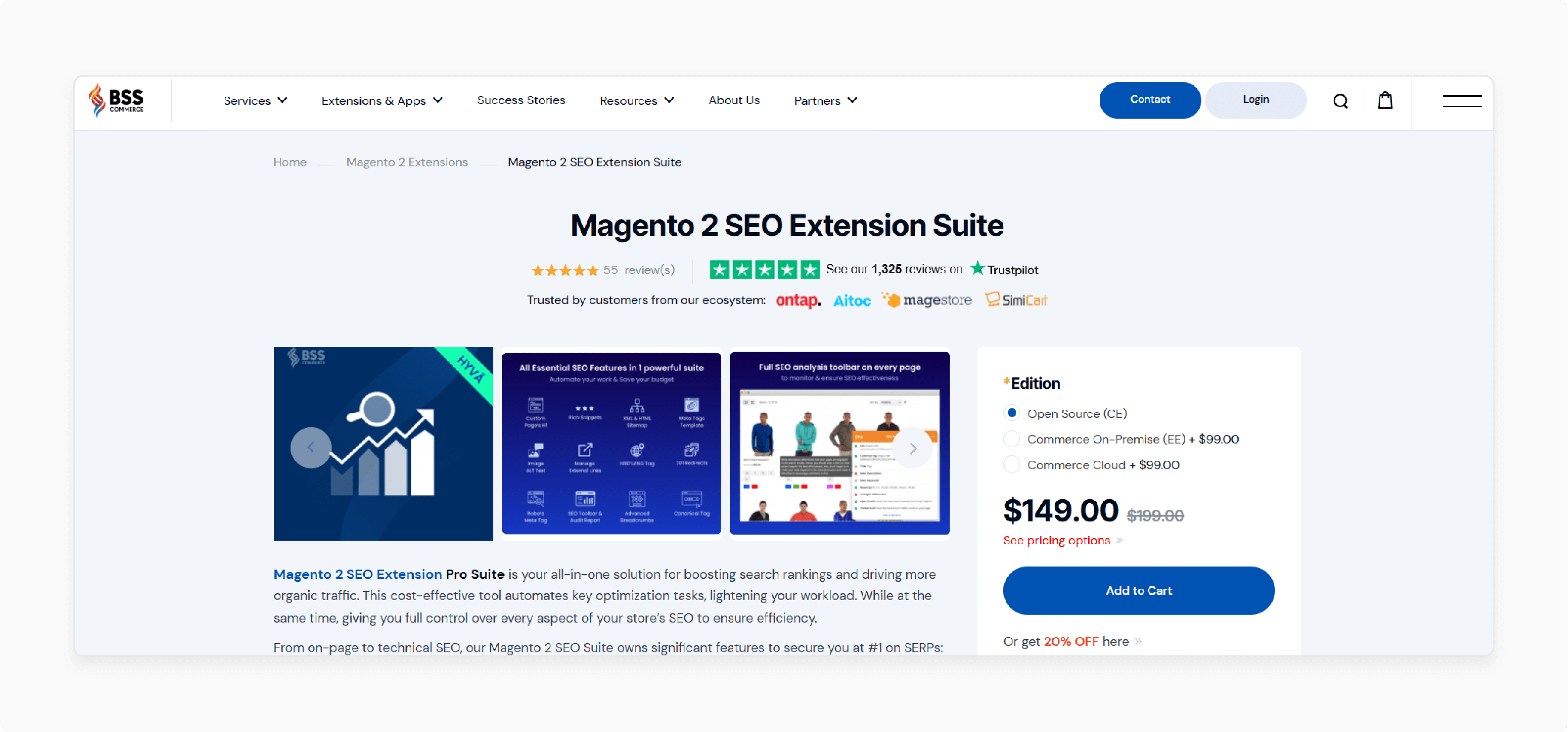
Using an SEO extension only delivers real value when it is applied with clear priorities, controlled automation, and ongoing validation. Below are practical best practices to help Magento store owners and developers get consistent SEO gains from the BSS Commerce SEO Extension Suite without creating hidden issues.
Not all pages contribute equally to organic performance. The first and most important step is to focus your SEO configuration on pages that directly drive traffic and revenue.
Category pages should be treated as primary SEO assets. They usually target high-volume, commercial keywords and define your site’s topical structure. Configure meta title and meta description templates carefully, ensuring they reflect category intent rather than just inserting product attributes. Avoid overloading titles with filters or repeated keywords.
Product pages come next. While automation helps at scale, product SEO still relies heavily on clean titles, readable descriptions, and accurate structured data. Use auto-generated meta tags as a baseline, but manually optimize best-selling or high-margin products. Make sure canonical URLs, schema, and indexation settings are correct for these pages.
Top CMS pages such as the homepage, about page, buying guides, and policy pages should always be optimized manually. These pages often attract branded or informational traffic and represent your store’s authority. Avoid relying on global templates for them, as they require unique messaging and intent-based optimization.
By prioritizing these core pages first, you reduce the risk of large-scale SEO errors while maximizing early impact.
One of the biggest strengths of the BSS Commerce SEO Extension Suite is automation, but automation should never replace human judgment.
Use automatic meta templates, URL rules, and schema generation to cover large catalogs efficiently. This ensures baseline SEO coverage and consistency across thousands of pages. However, automation must be reviewed and refined regularly to avoid duplication, unnatural phrasing, or keyword stuffing.
Manual optimization should be applied to:
For these pages, override auto-generated meta data, adjust on-page content, and fine-tune structured data if needed. This hybrid approach keeps your SEO scalable while still allowing precision where it matters most.
SEO extensions can silently introduce problems if their output is not monitored. Regular audits are essential.
Start by checking meta titles and descriptions for duplication, truncation, and unnatural repetition. Use crawling tools to detect pages with identical or missing meta data.
Review canonical tags, noindex settings, and robots directives to ensure important pages are indexable and pointing to the correct URLs. Pay special attention to layered navigation, pagination, and filtered URLs, as these are common sources of SEO conflict.
Structured data should be validated frequently using testing tools to confirm that schema markup is valid and not duplicated by themes or other extensions. A conflicting schema can prevent rich results from appearing or trigger search engine warnings.
Auditing should not be a one-time task. Every major catalog update, theme change, or extension installation can affect SEO output and should trigger a review.
The BSS Commerce SEO Extension Suite works best when it is integrated into a wider SEO and development process.
SEO configuration should align with:
Developers should include SEO checks in deployment workflows, especially when changing URL structures, templates, or layered navigation logic. Store owners should review SEO performance data regularly to understand how configuration changes affect impressions, clicks, and rankings.
Instead of relying on the extension alone, treat it as a control layer that helps enforce SEO rules consistently across Magento. Long-term success comes from combining the extension with structured content planning, technical SEO maintenance, and continuous performance analysis.
Performance is a critical but often overlooked factor when deploying SEO extensions. While the BSS Commerce Magento 2 SEO Extension Suite adds powerful optimization features, page speed still depends heavily on how your store handles caching, asset delivery, image processing, and server response time. Using dedicated Magento 2 speed optimization extensions alongside SEO tools helps ensure that improved visibility does not come at the cost of slower performance.
The BSS Commerce SEO Extension Suite is a powerful solution for strengthening Magento 2 SEO, but like any advanced tool, it delivers the best results only when configured correctly and aligned with your store architecture. Most issues arise not from the extension itself, but from misapplied settings, over-automation, or ignoring Magento’s multi-store structure. By understanding how canonical tags, robots directives, structured data, and sitemaps interact—and by configuring them thoughtfully per store view—you can avoid duplicate content, indexing conflicts, and lost rankings.
Ultimately, the key to success is balance: use automation to manage SEO at scale, but reinforce it with manual optimization where it matters most. Combine the extension with ongoing audits, technical checks, and a clear SEO strategy, and the BSS Commerce SEO Extension Suite becomes a powerful foundation for long-term organic growth, stronger visibility, and a more search-friendly Magento store.
